
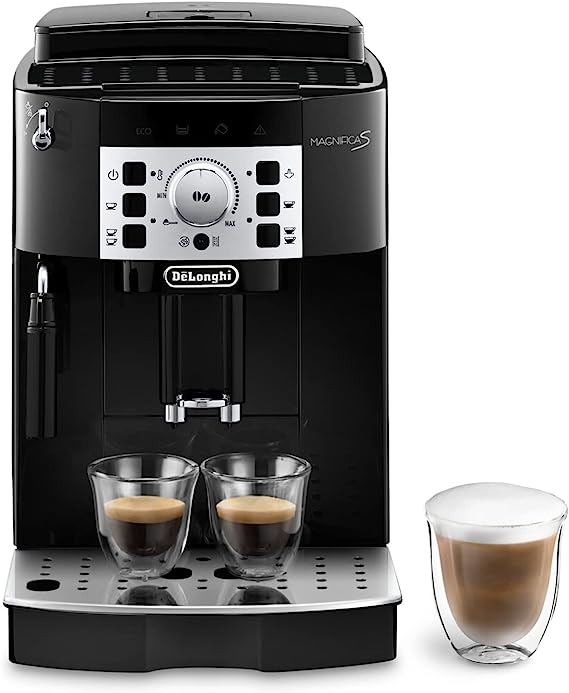
De’Longhi ECAM22.110.B is a renowned coffee machine that has become a favourite in many homes and offices across the United Kingdom. Its blend of sophistication and functionality makes it a popular choice. However, even the best machines can run into problems. This guide is tailored to help you troubleshoot some of the common issues that may arise with your De’Longhi ECAM22.110.B, ensuring that you can enjoy your perfect cup of coffee without a hitch.
Troubleshooting Guide for De’Longhi ECAM22.110.B Coffee Machine
Alarm Lights on the Bottom Row
- Solution: This usually indicates a problem with the water tank or drip tray. Ensure that the water tank is filled and correctly positioned, and the drip tray is properly inserted and not full. Alternatively, try descaling the machine.
Alarm Lights on the Top Row
- Solution: Check the coffee bean container. This might be a sign that it’s empty or not properly secured. Fill or adjust as needed.
Alarm Lights to the Right
- Solution: This is often a warning related to the brew group. It might not be properly inserted or needs cleaning. Remove, clean and reinsert the brew group carefully.
Descale Light is Flashing Frequently
- Solution: The frequent flashing of the descale light is a sign that your machine needs descaling. Follow the instructions in the user manual to descale your De’Longhi ECAM22.110.B.
How Can I Improve the Quality of My Frothed Milk?
- Solution: Ensure that you are using fresh milk, preferably skimmed or semi-skimmed. Clean the frother thoroughly and try adjusting the froth regulator if available.
Steam Delivery Stops
- Solution: This might be caused by a blockage. Check the steam wand for obstructions and clean it as instructed in the manual.
The Coffee Does Not Come Out of One or Both of the Spouts
- Solution: Check for coffee grounds or obstructions in the spouts. Clean them thoroughly and ensure that the coffee grind size is appropriate for your blend.
The Coffee is Delivered a Drop at a Time
- Solution: This could be due to a fine grind setting or a coffee blend that is too oily. Adjust the grind size or try a different blend.
The Coffee is Delivered Too Slowly
- Solution: The grind size might be too fine. Adjust it to a coarser setting and clean any obstructions from the spouts.
The Coffee is Not Creamy
- Solution: Consider using a blend suitable for espresso, and make sure the machine is properly calibrated.
The Coffee is Not Hot
- Solution: Preheat the cups and check the machine’s temperature settings. If the issue persists, it may require professional servicing.
The Coffee is Weak
- Solution: Adjust the grind setting to a finer level, and ensure you are using fresh, high-quality beans.
The Coffee Machine Does Not Come On
- Solution: Check the plug, outlet, and fuse. If everything appears fine, contact De’Longhi customer service.
The Frothed Milk Has Large Bubbles
- Solution: Make sure the steam wand is clean, and the milk is fresh and cold. Large bubbles often result from overheated milk or a dirty frother.
The Milk is Not Frothed
- Solution: Check the steam wand for clogs and clean it thoroughly. Ensure that you are using suitable milk for frothing.
Conclusion
Owning a De’Longhi ECAM22.110.B means having the luxury of quality coffee at your fingertips. But when something goes wrong, it can disrupt your routine. By following this guide, you can quickly resolve most common issues. If in doubt, never hesitate to contact De’Longhi’s customer service in the UK. Regular maintenance and care are vital for enjoying the endless cups of joy that your De’Longhi ECAM22.110.B promises to deliver. Happy brewing!
FAQ:
- How to descale the De’Longhi ECAM22.110.B?
1. Important
Before use, read the instructions and the labelling on the descaler pack.
You should use De’Longhi descaler only. Using unsuitable descaler and/or performing descaling incorrectly may result in faults not covered by the manufacturer’s guarantee.
2. Turn on the coffee machine
Press the POWER button. Wait until the coffee machine is ready for use.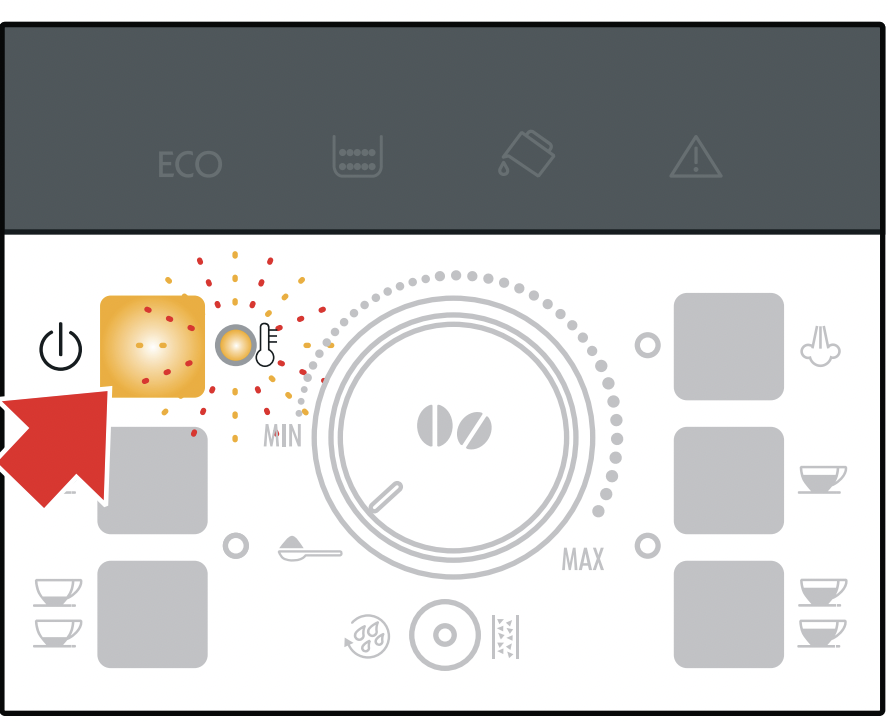
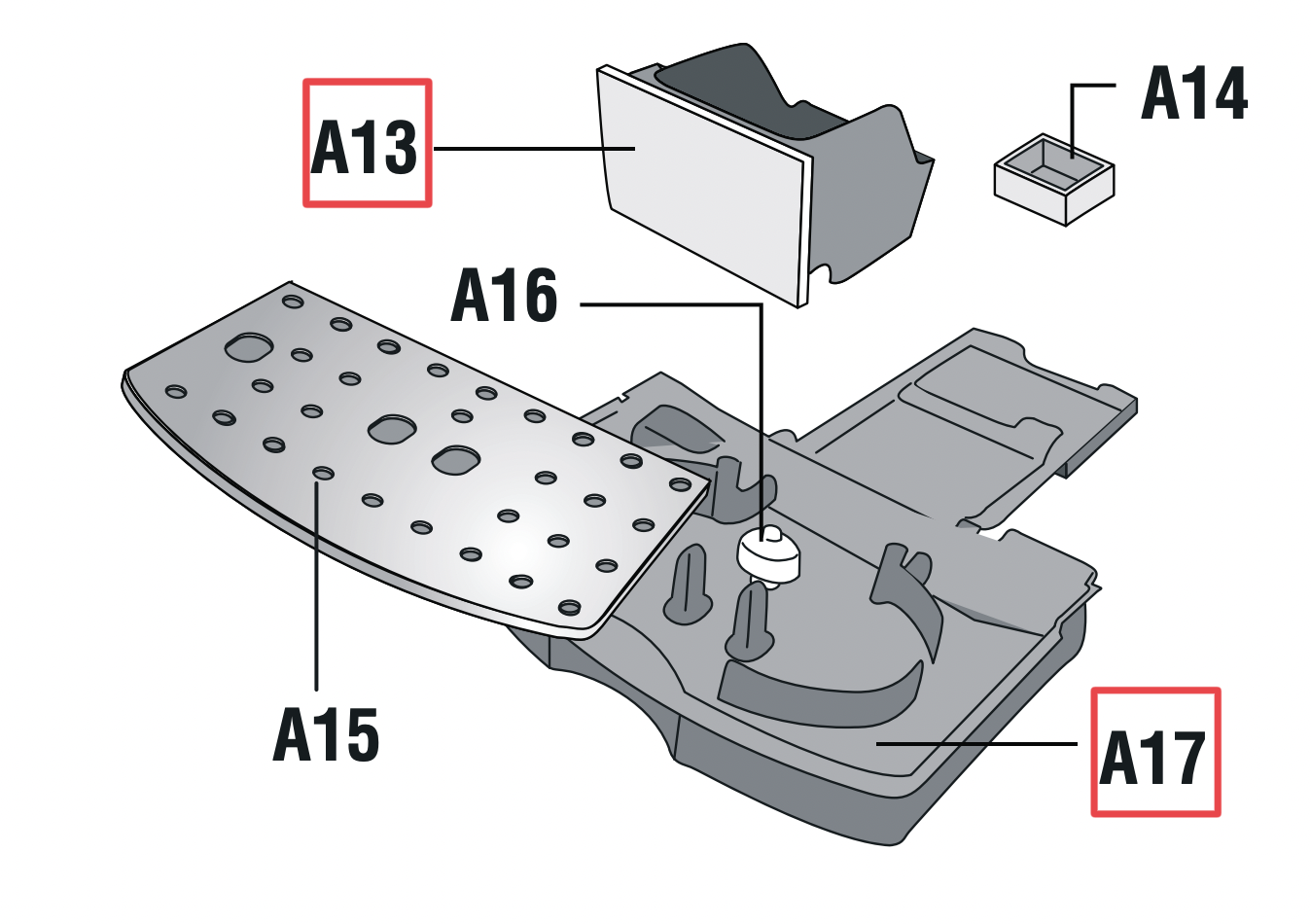
3. Empty the drip tray and grounds container and put both back into the machine
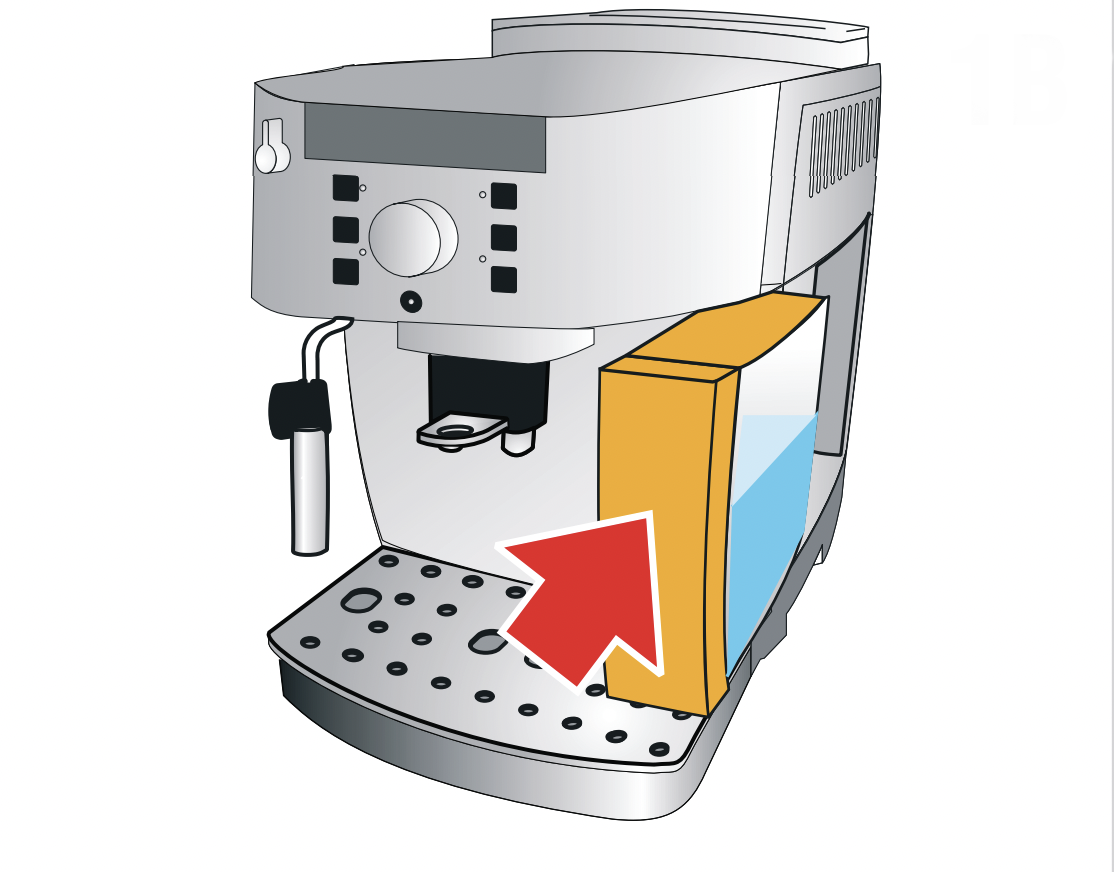
4. Empty the water tank completely & remove the water softener filter if applicable
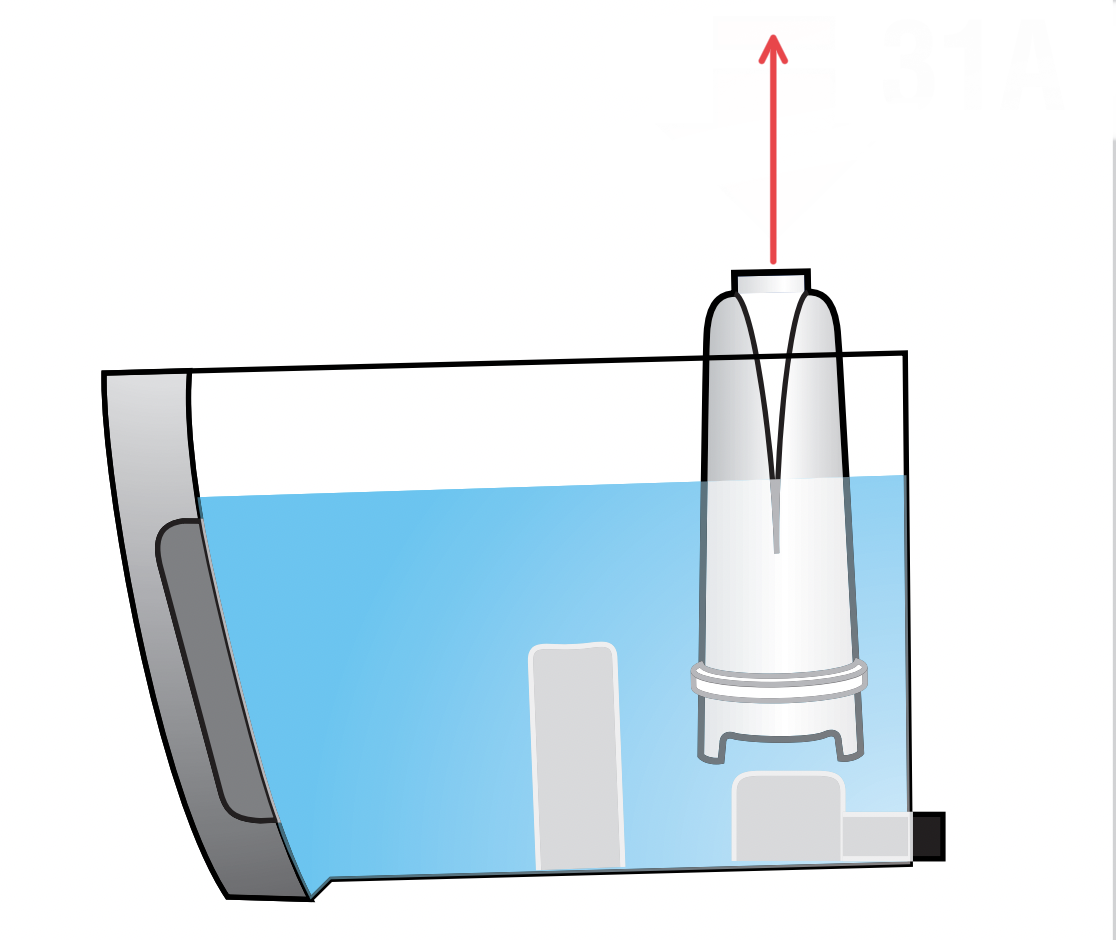
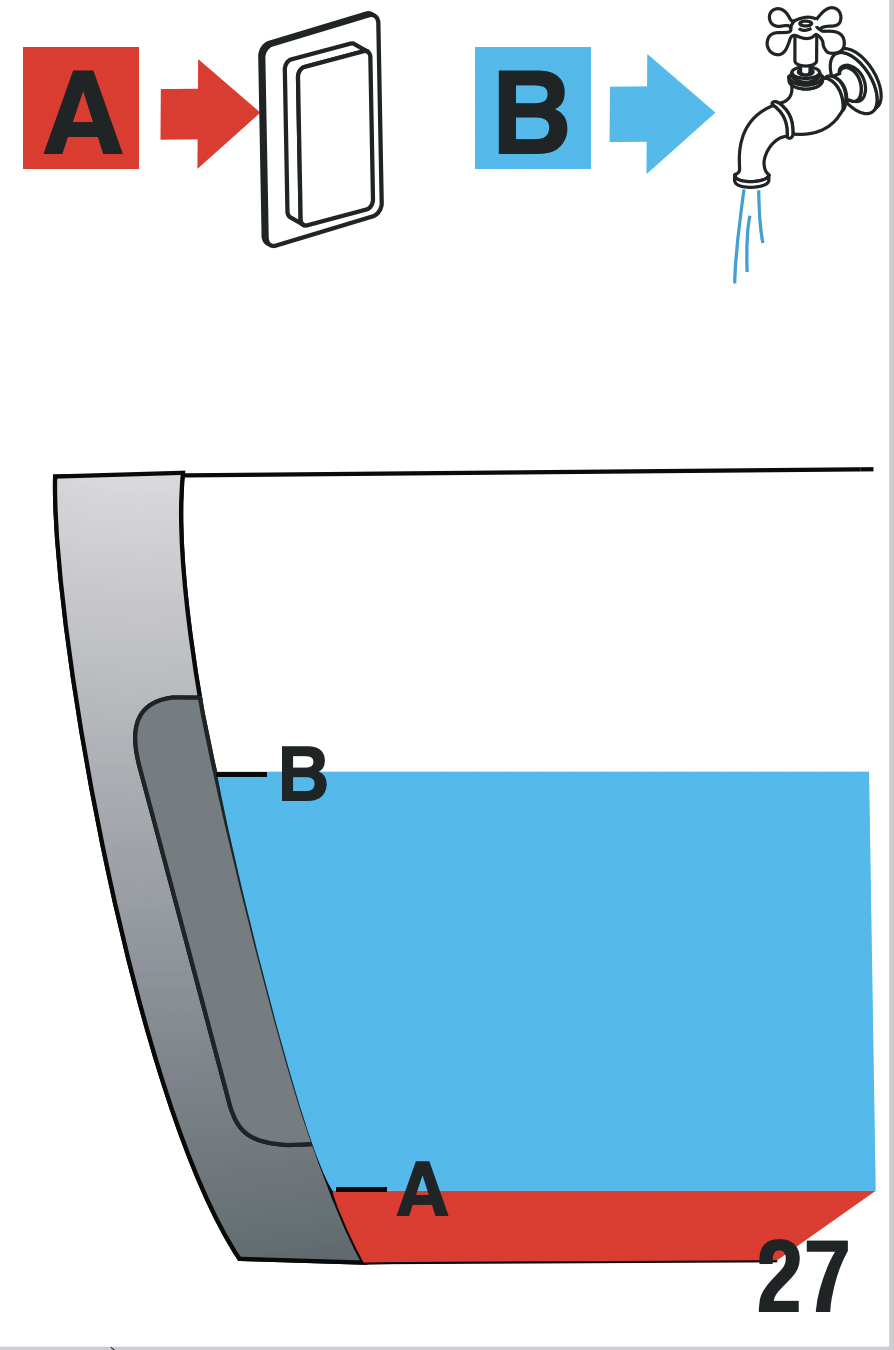
5. Pour descaler into the tank & add water
Pour the descaler into the tank up to the level A (equal to one 100ml packet) marked on the back of the tank. Add water (1 litre) up to level B. Then, put the water tank back into place.
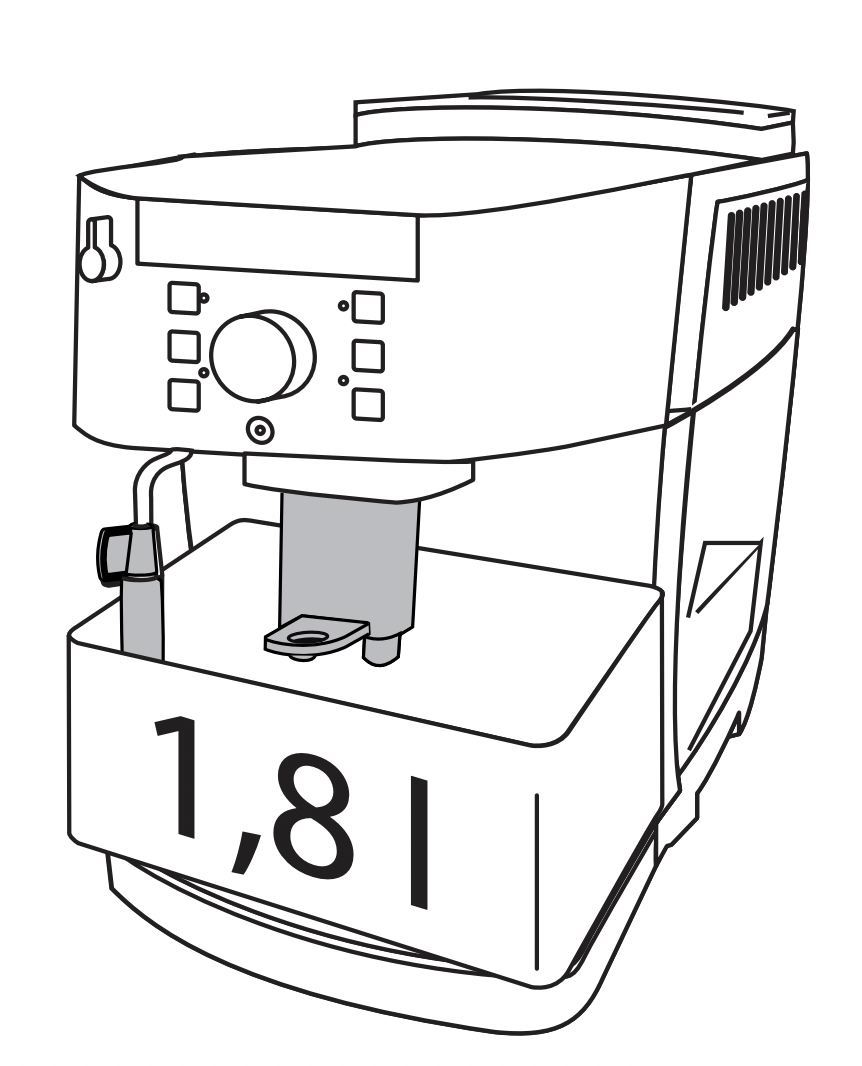
6. Place a container with a minimum capacity of 1.8 litres under the cappuccino maker and coffee spouts
Wait for the coffee lights to come on steadily.
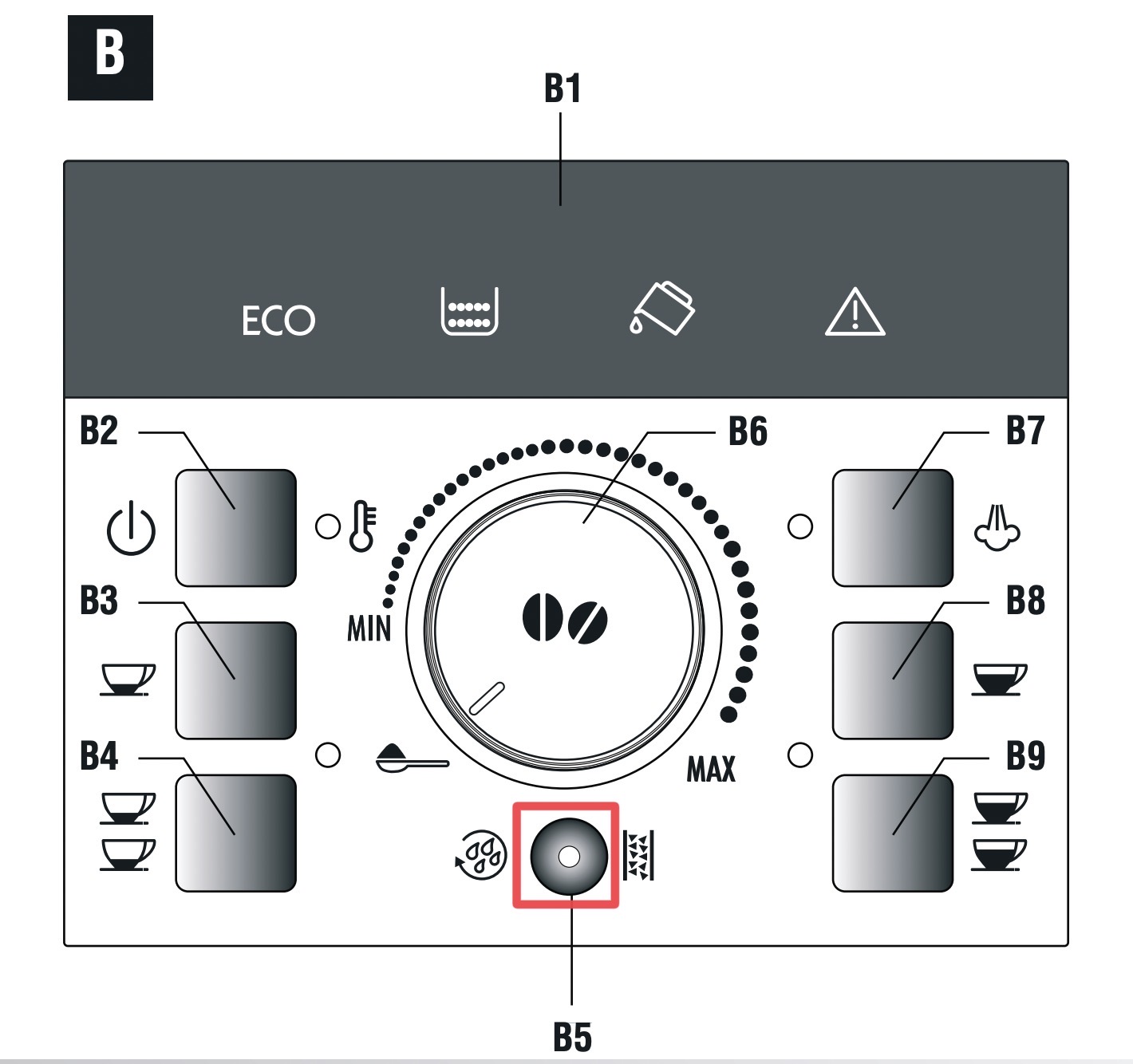
7. Press and hold B5 for at least five seconds
Press and hold B5 for at least five seconds to confirm that you’ve added the solution and begin the descaling procedure. The light in the button comes on steadily to indicate that the descaling programme has begun.
8. Important! Danger of burns
Hot water containing acid flows from the cappuccino maker and coffee spouts. Take care to avoid contact with splashes of this solution as it may burn you.
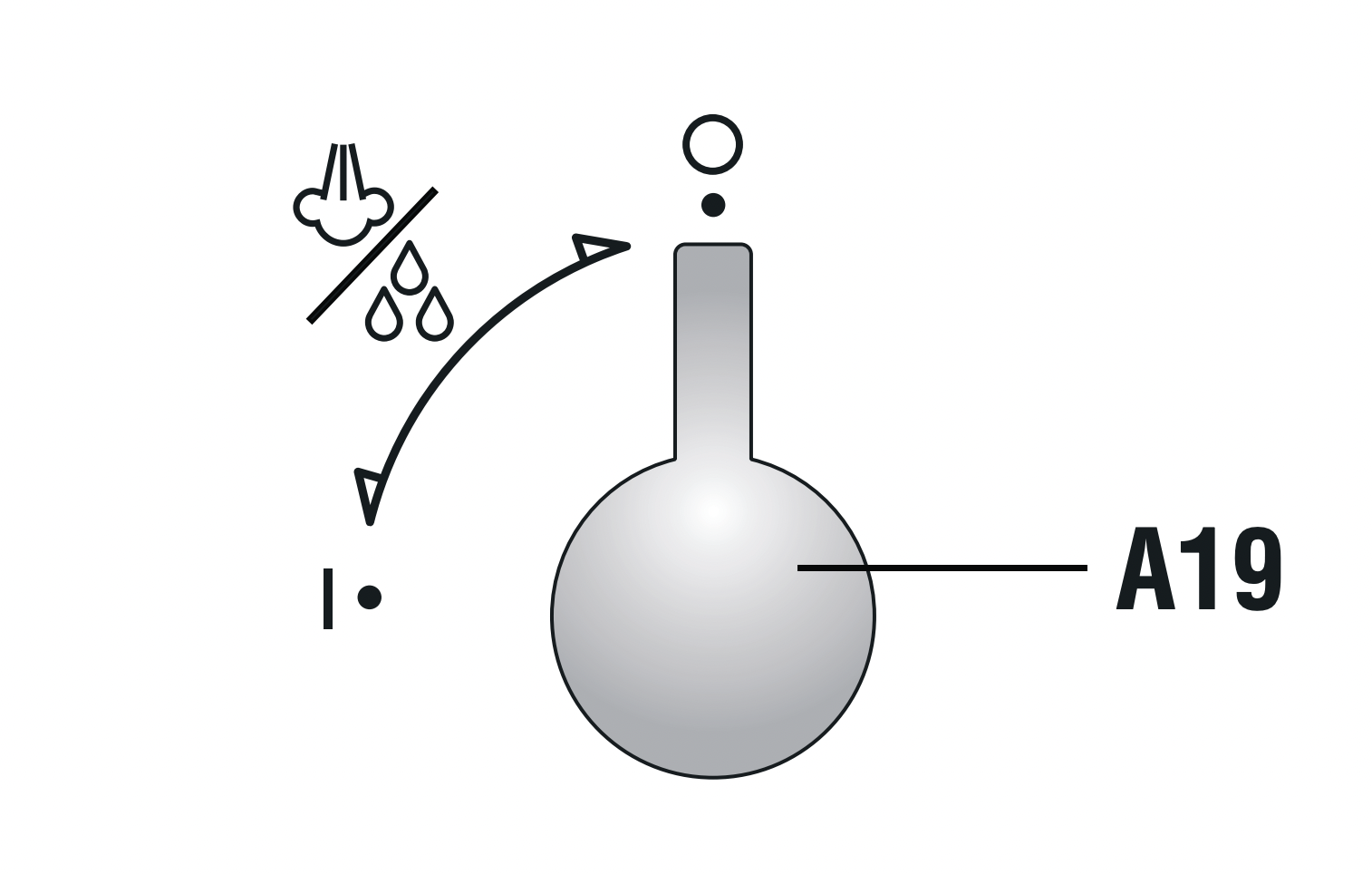
9. Turn the hot water/steam dial to the “I” position
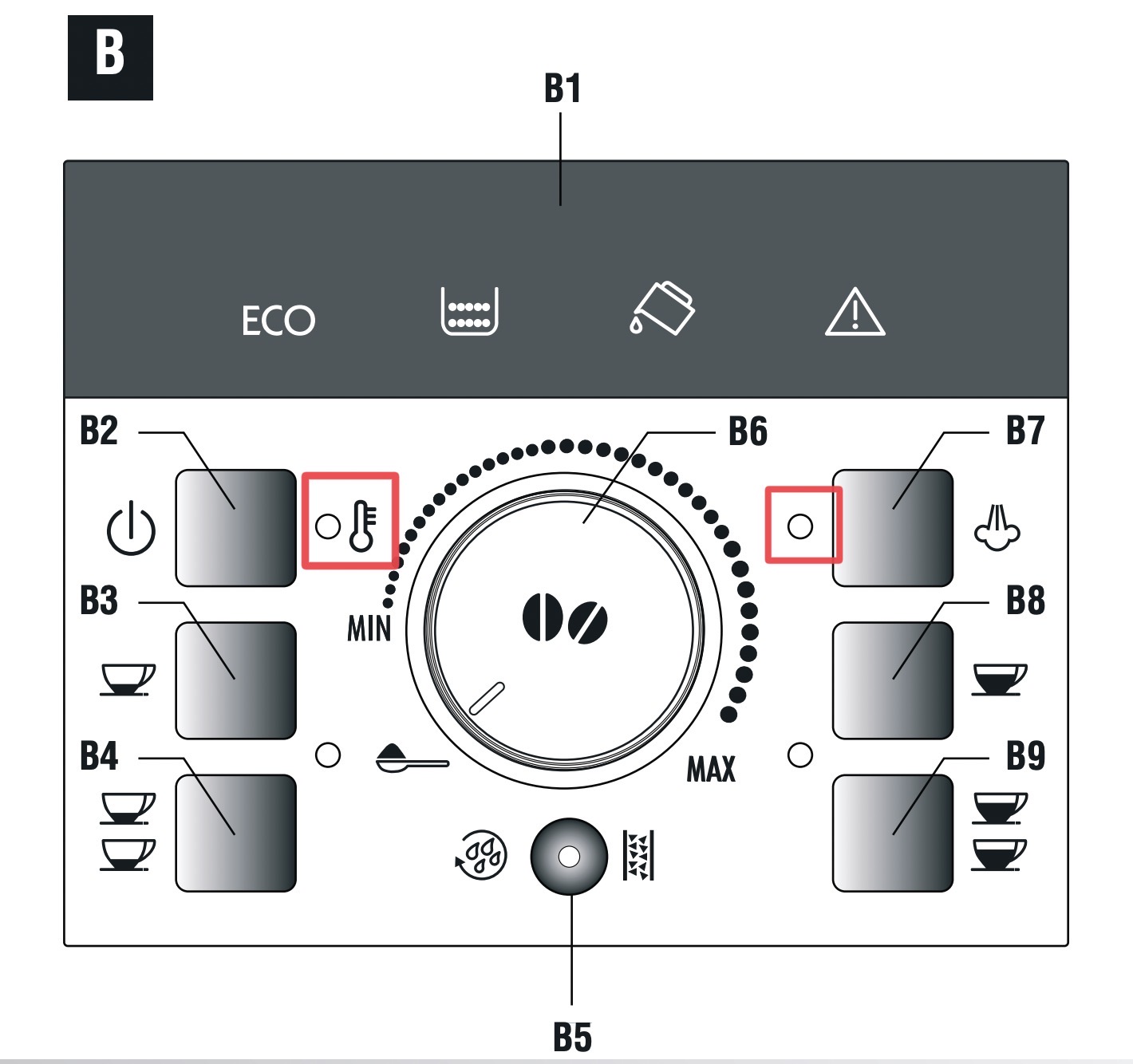
the descale programme starts and the descaler liquid comes out of the cappuccino maker and coffee spouts. A series of rinses and pauses are performed automatically to remove all the scale residues inside the coffee machine. After about 25 minutes, descaling stops and the B2 and B7 lights flash on the control panel.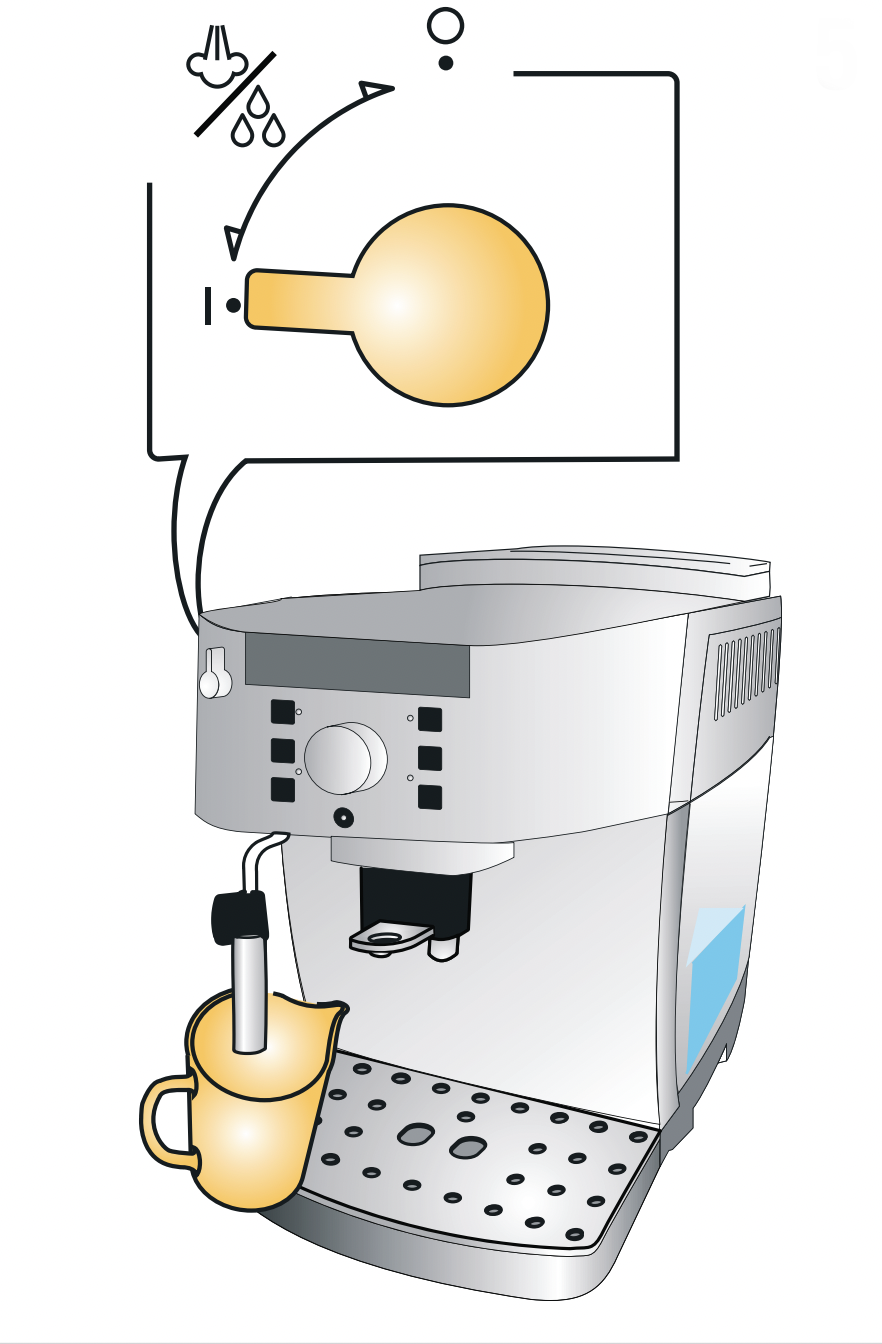
10. Turn the hot water/steam dial to the “0” position
11. Empty the container used to collect the descaler solution
12. Remove the water tank
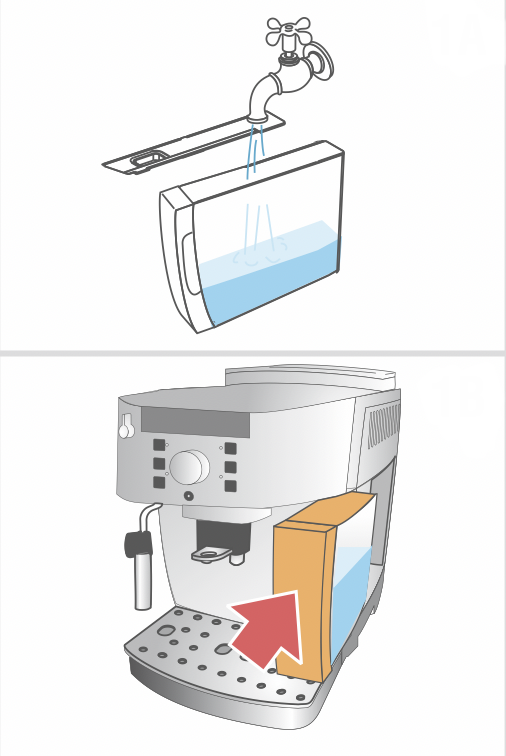
Empty, rinse under running water, fill with clean water to the MAX level . Replace the water softener filter (if removed previously) and put back into place. The B7 light flashes.
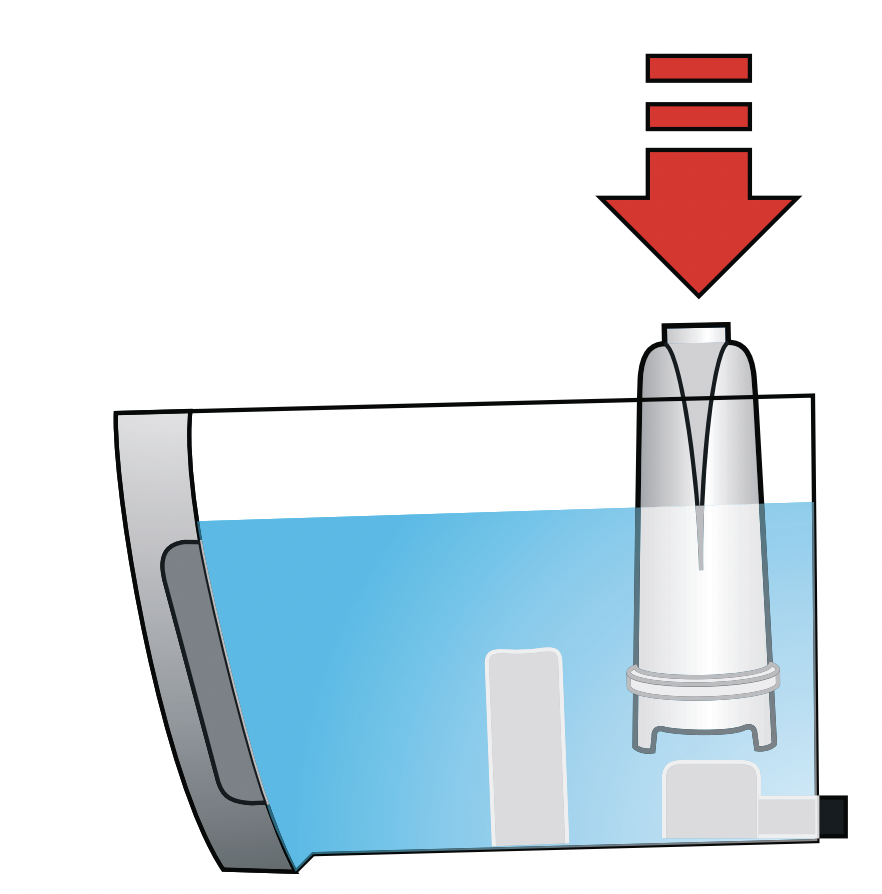
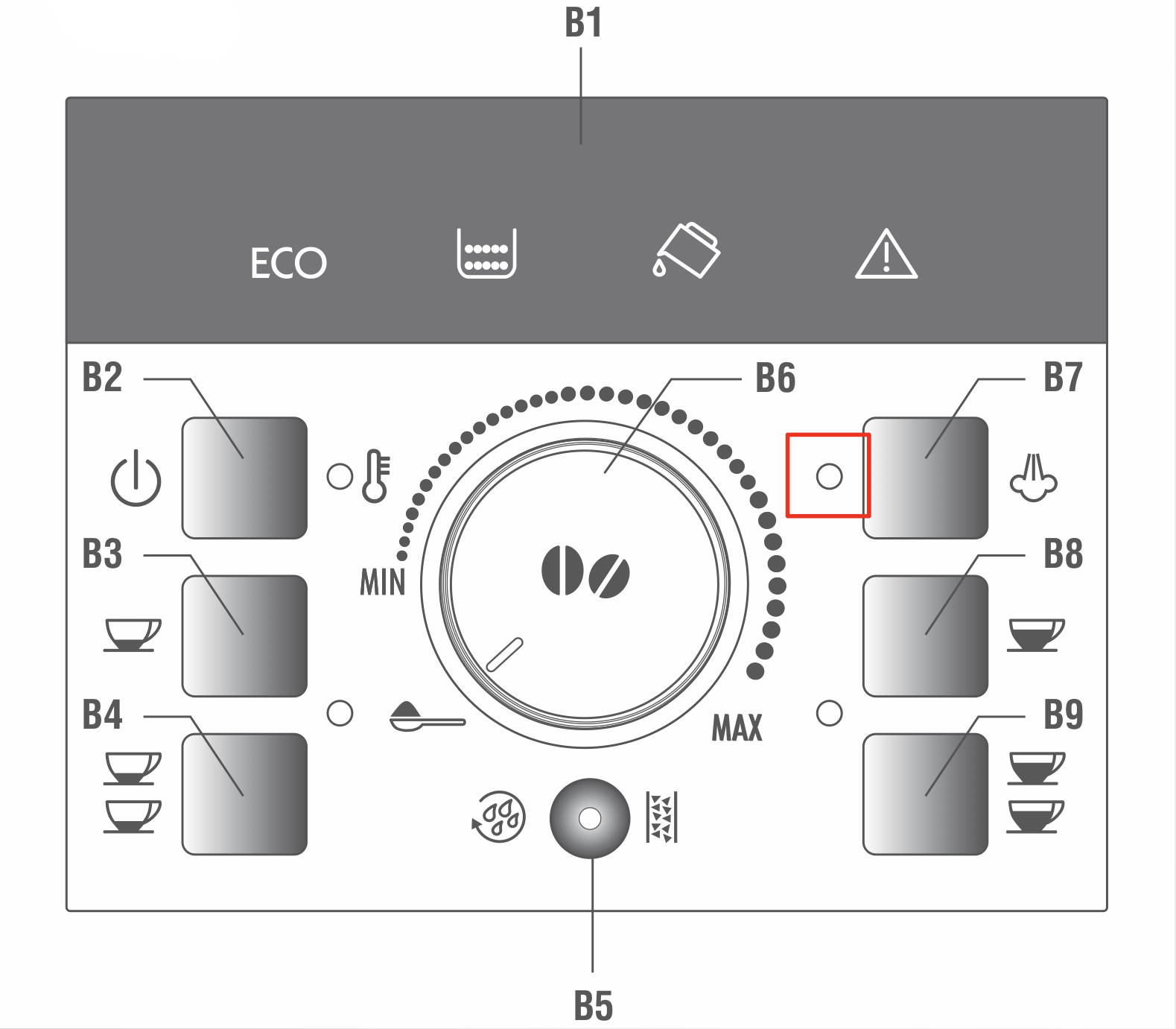
13. Place the container used to collect the descaler solution empty under the cappuccino maker and coffee spouts
14. Turn the hot water/steam dial to the “I” position
Hot water is delivered first from the cappuccino maker, to continue and end with the coffee spouts. When the tank is completely empty lights shown in the figure flash on the control panel.
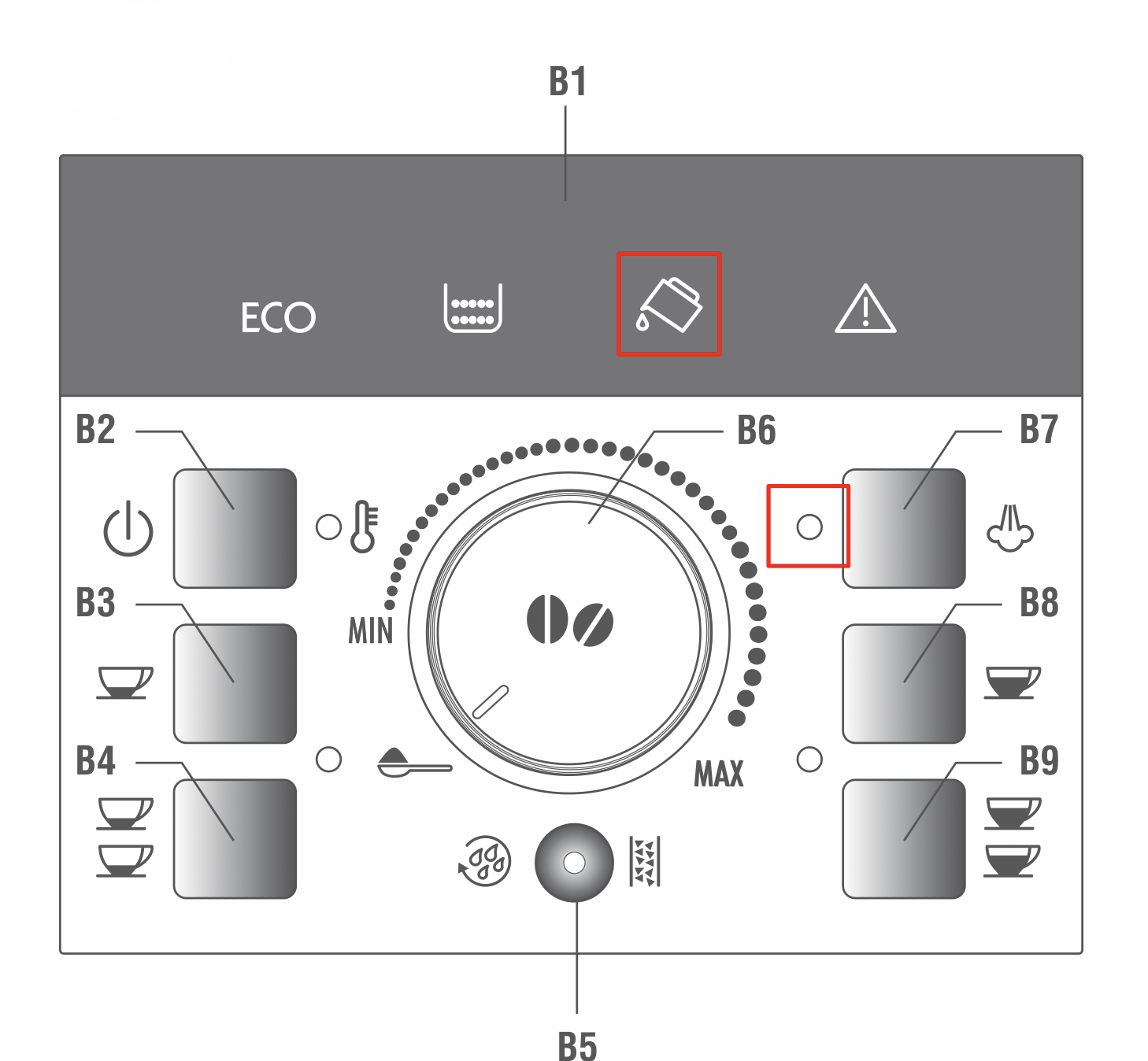
15. Turn the hot water/steam dial to the “0” position
16. Empty the container used to collect the descaler solution
17. Remove the water tank
Empty, rinse under running water, fill with clean water to the MAX level and put back into place. The B7 light flashes.
18. Place the container used to collect the rinsing water under the cappuccino maker
It should still have a capacity of 1.8 litres.
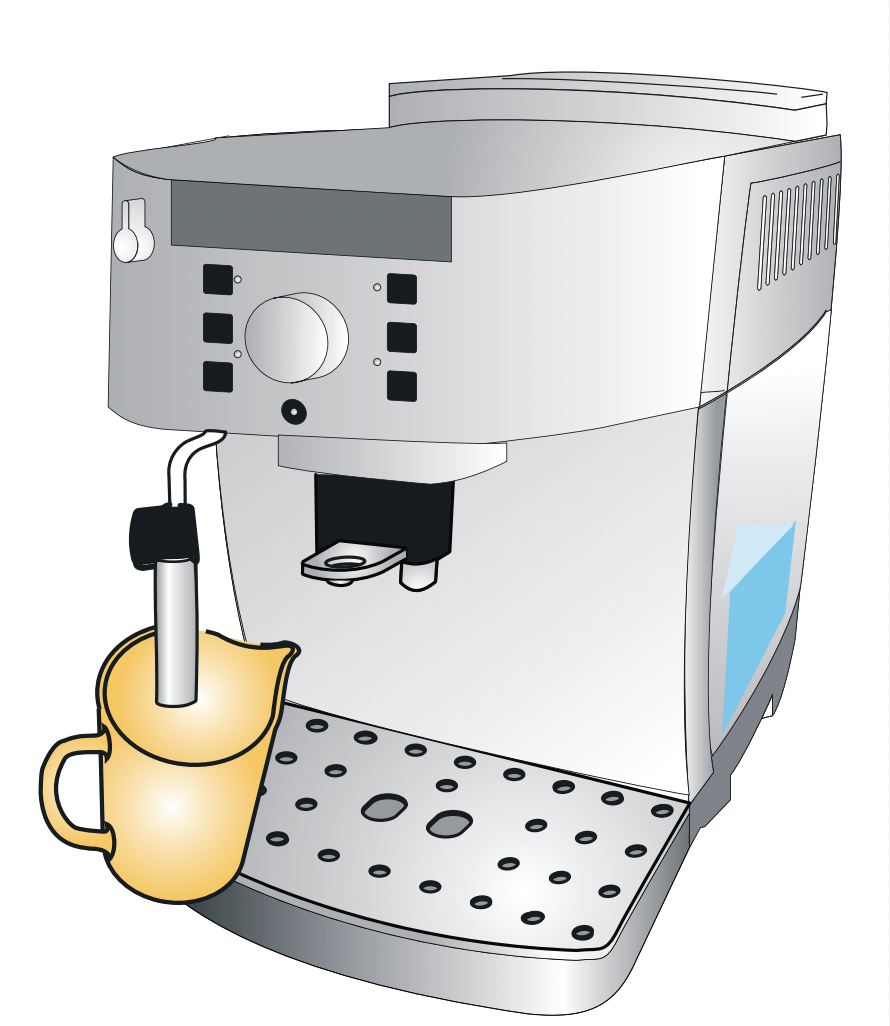
19. Turn the hot water/steam dial to the “I” position
Rinsing continues from the cappuccino maker only. When it finishes, the B7 light flashes on the control panel.
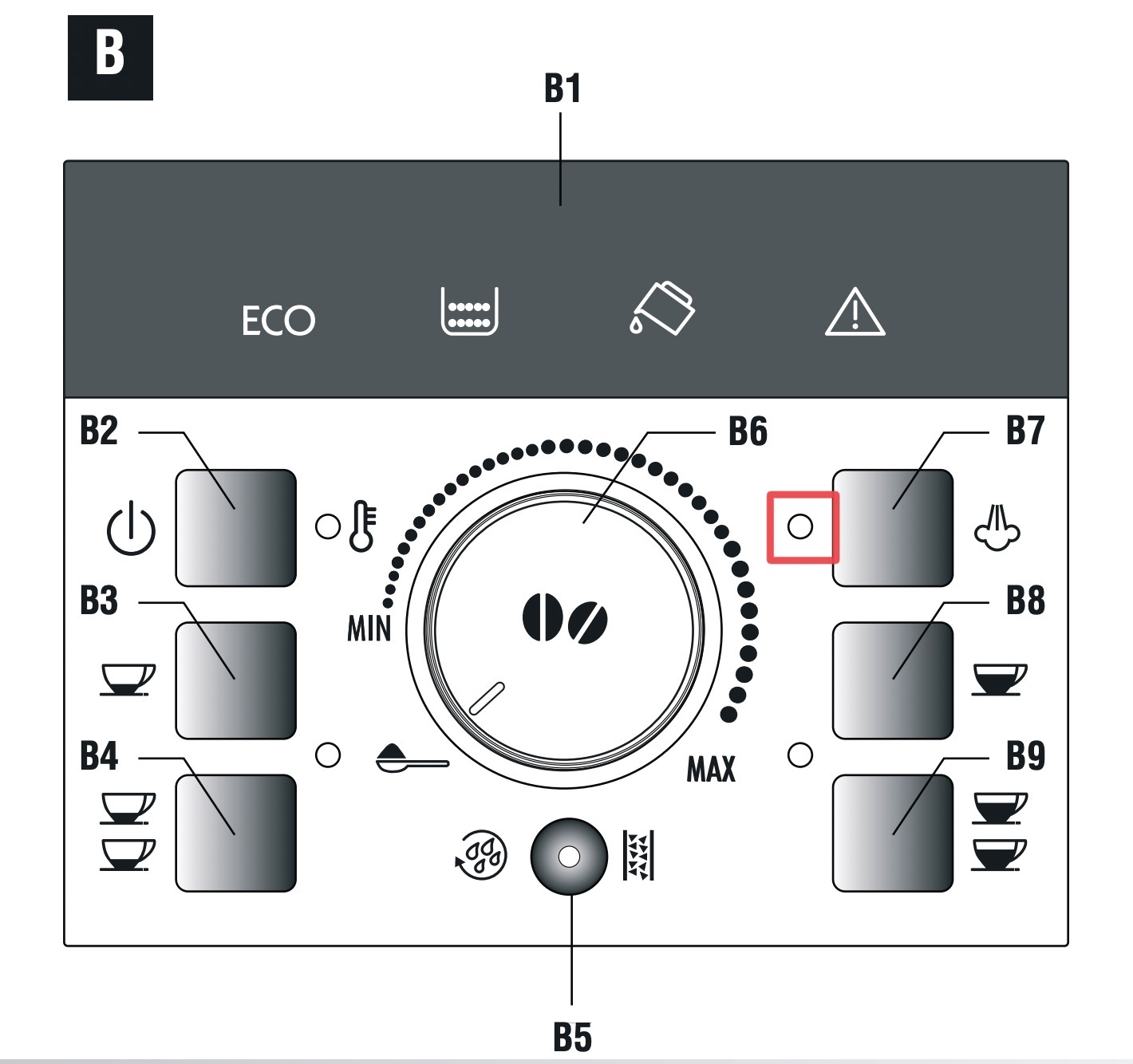
20. Turn the hot water/steam dial to the “0” position
21. Top up the water tank with fresh water to the MAX level and put back in the machine
 Coffee Machine Tips and Guides
Leave a comment